Blog, Product Reviews
Kindle vs iPad for Reading in 2026 (And Why Both Just Got More Expensive)
Sarah
This post contains affiliate links. If you buy something through one, we may earn a small commission — at no extra cost to you.

Kindle vs iPad is the question we get every single December. Should I buy her a Kindle, or will she just read on the iPad she already has?
Usually the answer is a shrug and a “depends what you like.” This year it’s different, because both devices got more expensive in 2026 — and for the same strange reason. If you’re buying one as a gift, that changes when you should buy and which model makes sense.
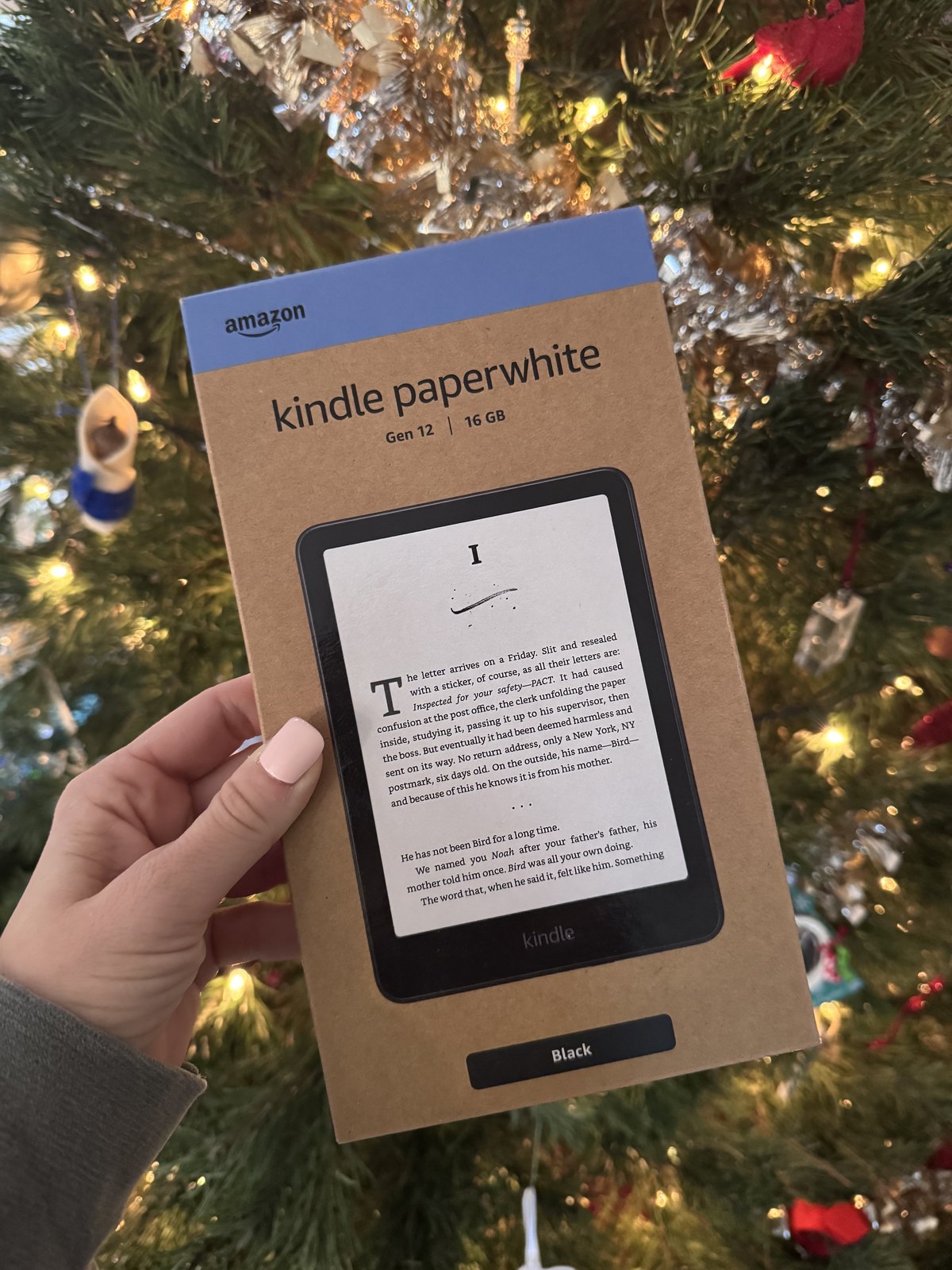
Here’s what actually changed, who each device is really for, and when to buy so you’re not paying the worst possible price.
This is the part that matters most and it barely made the news.
There’s a global shortage of memory chips right now — the AI boom is eating the world’s supply of RAM and storage. Both Apple and Amazon passed that cost straight on to buyers, quietly, within about eight weeks of each other.
Two things worth knowing about that.
The Kindle Scribe was left alone. Every other Kindle went up. The Scribe didn’t. If you were already considering one, it’s the only part of the lineup that didn’t get worse this year.
Those iPad “discounts” you’re seeing are real, but measured against the new price. When a listing shows an iPad marked down from $449, that $449 is the post-June price, not what it cost in May. You’re getting a genuine discount — just not as big a one as the strikethrough implies.
We’ll get into the detail, but if you just want to be told:
The mistake we see people make is buying a Kindle for someone who has never once put their phone down. That’s how a $200 gift ends up in a nightstand drawer by February.
Still working out everyone else on your list? Our 2026 Holiday Gift Guide has 105 more ideas sorted by who you’re buying for.
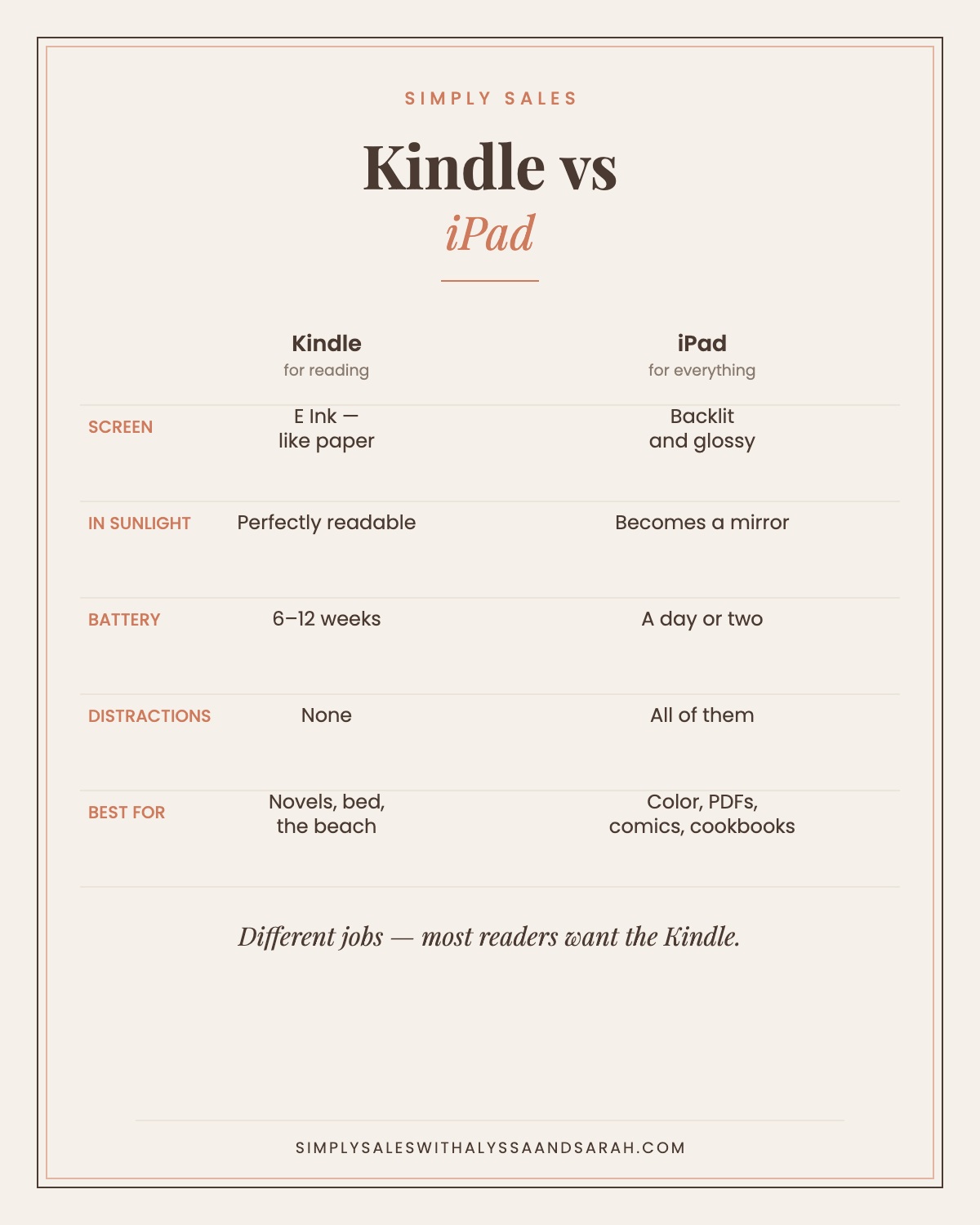
You can find a spec sheet anywhere. These are the four things that change how it feels to use, day to day.
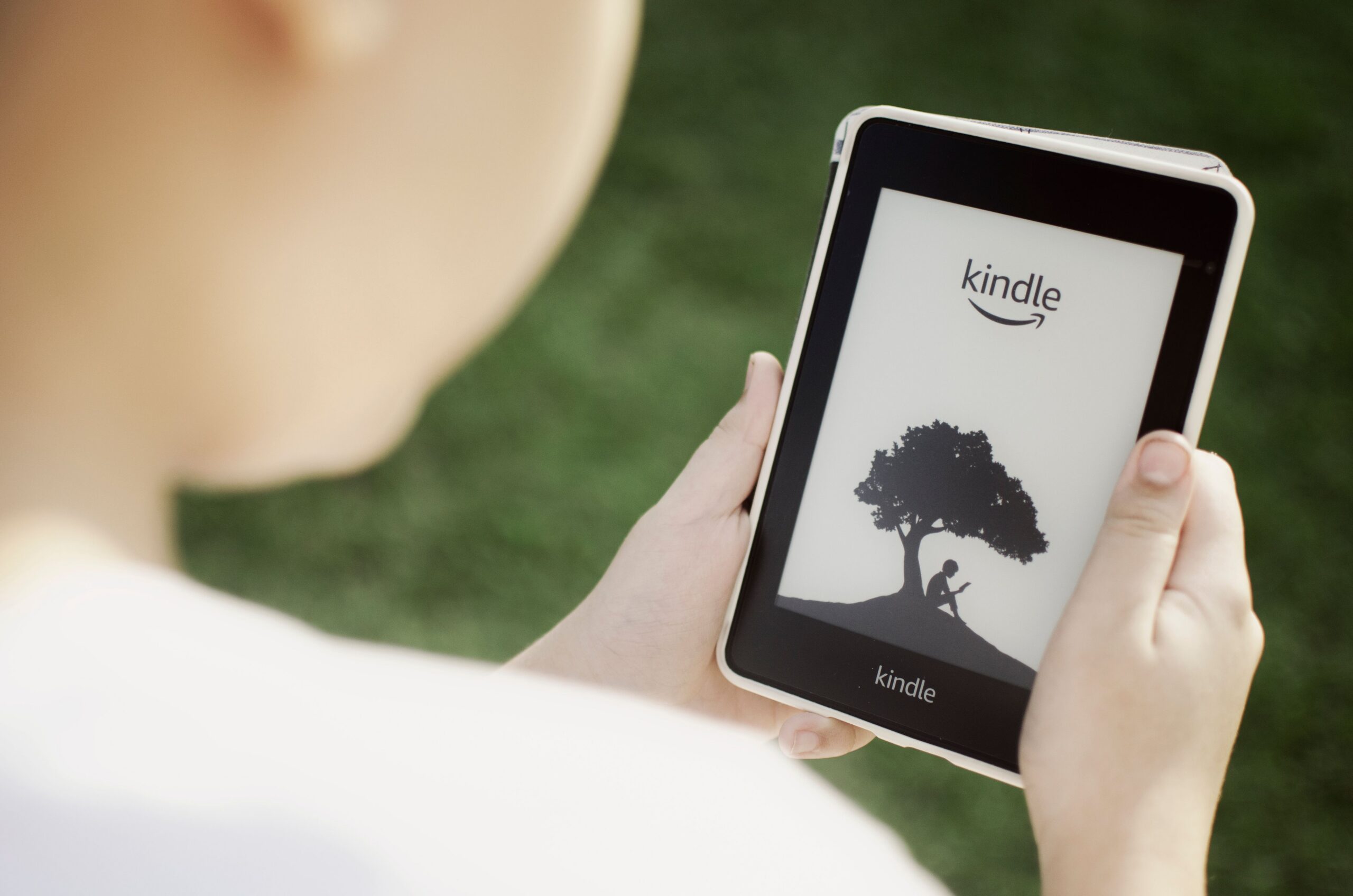
A Kindle uses E Ink. It isn’t a glowing screen — it’s more like ink sitting on paper, lit from the edges. It works in direct sunlight, where an iPad becomes a mirror. It doesn’t flicker. Most people find they can read it for hours without their eyes getting tired the way they do after an evening of scrolling.
An iPad has a beautiful, bright, backlit screen. It’s better for anything with color or layout — magazines, cookbooks, comics, textbooks, PDFs. It’s worse for reading a novel in bed at midnight or on a beach in July.
Amazon rates the current Paperwhite at up to 12 weeks per charge. The basic Kindle, about 6 weeks. An iPad is a day or two of real use.
That sounds like a stat until you’re the person who packed a charger for every trip. A Kindle is the rare gadget you genuinely stop thinking about.
This is the real reason people who own both still reach for the Kindle.
An iPad can do everything, which means at any moment it might. You sit down to read a chapter and forty minutes later you’re deep in something else entirely. A Kindle has nothing on it but books. There’s no notification, nothing to check, nowhere to go.
If someone tells you they want to read more, this is usually what they’re actually asking for.
A Paperwhite is about seven inches of screen and light enough to hold one-handed for an hour. An 11-inch iPad is a two-hands-or-a-pillow device. If the reading happens lying down, in bed, on a plane, or in a carrier line at school pickup, that difference decides it.
The iPad mini is the exception — at 8.3 inches it’s genuinely holdable, which is why it’s the iPad readers actually pick.
The lineup is more confusing than it needs to be. Here’s the honest version.
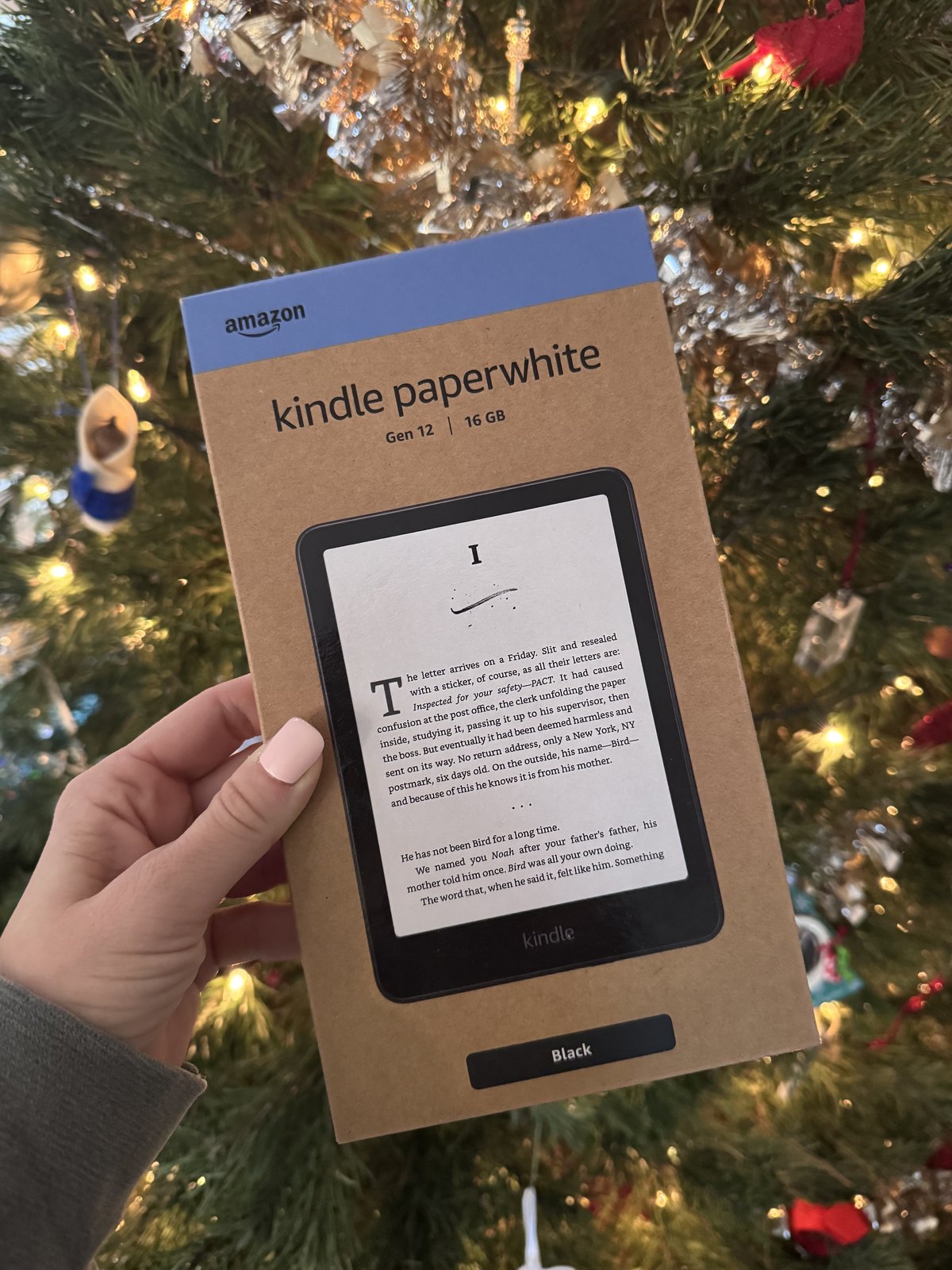
There’s still an older 10.2″ Kindle Scribe from 2024 listed at full price alongside the new one. Amazon flags it with a small “there is a newer model of this product” note that’s very easy to scroll past. Before you buy any Scribe, check that the listing says 11 inches, not 10.2.
Also worth knowing: there’s a version of the Scribe sold without a front light. It’s cheaper, and it means you can’t read it in the dark. That is not a feature most people want.
Right now, in early September, essentially nothing in the Kindle line is discounted. Prices went up three weeks ago and the sales haven’t caught up. Buying today is close to the worst timing of the year.
Black Friday week is the window. Kindles have hit their annual low on Black Friday two years running, and the discounts have been real:
An honest caveat: we don’t know yet whether Black Friday 2026 discounts will come off the new higher prices or bring them back down to where they were in July. Nobody does. Anyone telling you a specific number right now is guessing. What we can say is that the pattern has held for two straight years and Black Friday has been the low point every time.
This one is genuinely overlooked. If there’s an old Kindle sitting in a drawer — and in most houses there is — Amazon’s trade-in program gives you an Amazon gift card for it plus 20% off a new Kindle.
The gift card amount depends on the model and its condition, but the 20% is the part that matters, and it comes off on top of whatever you’d pay otherwise. Amazon runs the same 20% offer on Echo speakers, Fire tablets, Ring and Blink devices, and eero routers — worth checking before you pay full price for any of them this season.
If you want to be told the moment one of these actually drops, that’s exactly what the Simply Picks app does — we track prices all day and post them free.
Yes. The free Kindle app puts your whole Amazon library on an iPad, and your place syncs between devices. So if someone already has an iPad, they can start reading Kindle books tonight for nothing. That’s worth knowing before you spend $200 — the question isn’t whether they can read on the iPad, it’s whether they will.
Most people say yes, and there’s a reasonable explanation: E Ink reflects room light rather than shining light at you, so it behaves like paper. Whether that’s medically meaningful is debated, but the practical version is that a lot of readers find they can go longer on a Kindle before their eyes feel tired. If someone reads at night, the Paperwhite’s warm light setting is the specific feature to point them at.
Yes — through Libby, if your local library participates. It’s free, it’s legal, and it’s the single most underused feature of owning a Kindle. Plenty of people pay for books for years before anyone tells them. It works on an iPad too.
The cheaper version shows sponsored images on the lock screen. They never appear while you’re reading. Paying about $20 more removes them. Most people find they stop noticing after a week — but if it’s a gift, the ad-free version feels more like a present.
The current Paperwhite is the 12th generation and there’s no newer one. It’s a mature product that gets refreshed slowly, so you’re not buying something about to be replaced. The iPad mini is the one that’s furthest into its cycle if you’re worried about timing.
If they want to read more, get the Kindle Paperwhite. If they want a device that also happens to read, get the iPad.
And whichever way you go — wait for Black Friday. Both companies raised prices this year, neither one advertised it, and there’s no reason to pay September prices for a December gift.
Need more ideas? Try our 2026 Holiday Gift Guide, our personality-based gift guides, or our last-minute stocking stuffers if you’ve left it late.
If you love finding the best deals on Kindles, tablets, and everything else on your holiday list, come join our Facebook community! We share our favorite finds, honest recommendations, and daily deals to help families save money. We’d love to have you there!
Have you heard about our free app? Simply Picks tracks prices all day and tells you the moment something you want actually drops — including Kindles. Download it now!
Simply Sales is an Amazon Associate and we earn from qualifying purchases, at no extra cost to you. Prices and availability change constantly — the price on Amazon is always the real one. The before-and-after figures in this post are as reported by Fortune, CNN, PCWorld, TechRadar and The eBook Reader on the dates linked above.